


Pastel Pocket Stylist
Mix and match pastel outfits to style your look and share your unique creations.
Chill & Relax
353 plays
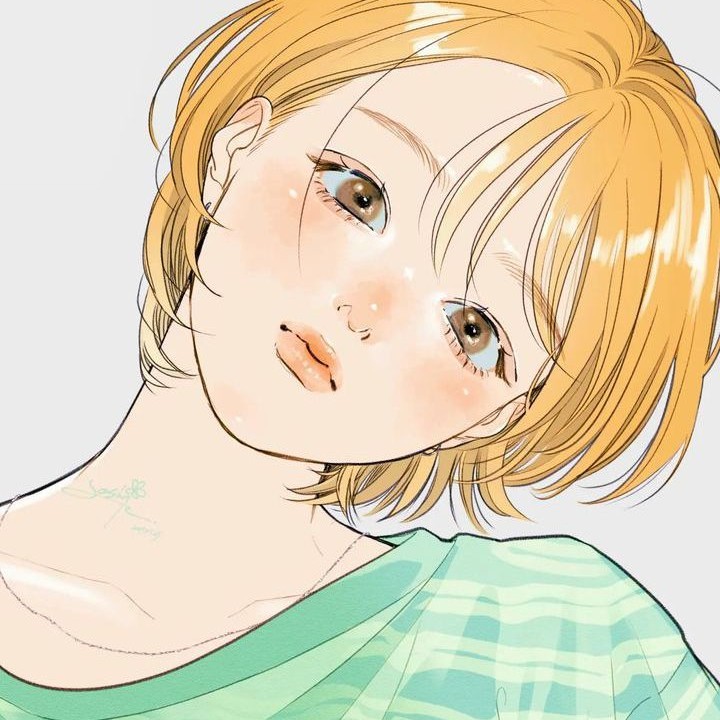
yashfa_kaleem made this on Mable.
Make your gameAbout Pastel Pocket Stylist
Dress up a doll by picking hair, makeup, clothes, accessories and a background, then save your favorite looks to wear again later.
How to play
- Press Start styling to open the wardrobe and see your doll on the screen.
- Pick a category tab such as Hair, Tops, Shoes or Backgrounds to browse its pieces.
- Tap a piece to wear it, and tap the same piece again to take it off.
- Use the save icon in the toolbar to add your outfit to My Looks.
- Open My Looks and tap a saved look to wear it again.
Controls
- Touch
- Tap wardrobe pieces and toolbar icons to wear, remove, save or reset items.
- Keyboard
- Not supported.
- Mouse
- Click wardrobe pieces and toolbar icons to wear, remove, save or reset items.
More about this game
This is a relaxed dress-up game with no score or timer. You start on a title screen, then style a doll from a wardrobe of ten categories, from hair and face details to shoes, accessories and backgrounds. Mix pieces however you like, rotate the pose, randomize a surprise outfit, and save looks to My Looks. A run never ends; you simply keep changing things until you like what you see.
Tips
- Hair and Face have sub-tabs. Use the Color tab for hair shades, and Face tabs like Eyes, Lips and Blush to fine-tune makeup.
- Wearing a dress hides your top and bottom, so choose one or the other. The random button also clears Dresses and Outerwear.
- Reset gives you a blank canvas, so save a look first if you want to keep it. My Looks holds up to 30 saved outfits.
FAQ
- Can I remove something I put on?
- Yes. Tap a worn piece again to take it off. Accessories can stack, so you can wear several at once and remove them one at a time.
- How many looks can I save?
- My Looks keeps up to 30 saved outfits, newest first. When you save more than that, the oldest ones drop off the list.
- Can I share my outfit?
- Yes. Open My Looks and press Share PNG. It exports your current outfit as an image, or opens your device share sheet if one is available.


