cormon
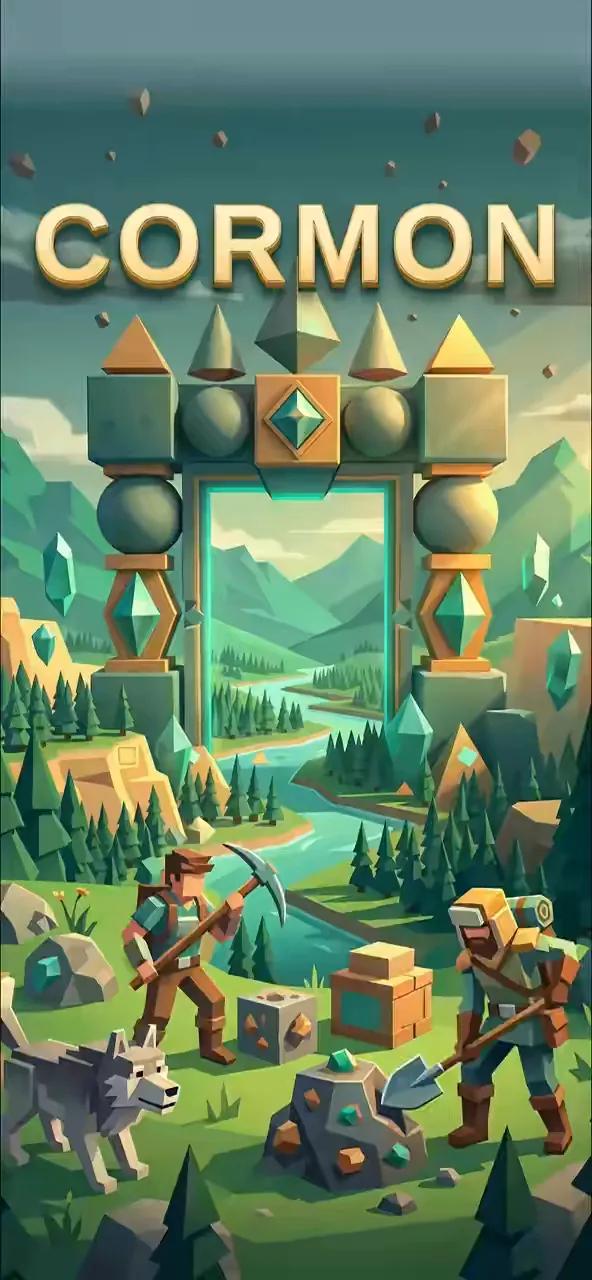
Mine island materials and mix six unique shapes to build your own custom world.
Made by

Share
0
1
0
About cormon
Mine materials and combine six unique shapes to build your own custom world.
How to play
- Walk around the world and explore villages or cities.
- Aim at a surface and tap Mine to collect materials and earn coins.
- Select a shape and color, then tap Build to place it.
- Talk to villagers or enter cottages to sleep until morning.
- Use the map to fast-travel to different locations.
Controls
- Touch
- Use the on-screen joystick to walk and swipe the right side to look around.
- Keyboard
- Use WASD or Arrow keys to walk.
- Mouse
- Click and drag on the right side of the screen to look around.
More about this game
Step into a vast open world where you can explore endless regions, mine materials, and build anything you imagine. You start with 24 materials and can collect more by mining the ground or existing structures. Combine six different shapes—cubes, spheres, pyramids, cylinders, cones, and diamonds—to construct custom buildings. Visit villages, talk to residents, and customize your explorer's appearance with new clothes bought using coins earned from mining. The world is endless, generating new regions as you walk past the edges.
Tips
- Mining new tiles rewards you with 5 coins, which you can spend in the clothing shop.
- You can stack up to four shapes on a single tile to create complex structures.
- If you make a mistake while building, use the undo button to revert your last edit.
FAQ
- How do I get more materials?
- Aim at a tile and tap the Mine button. Mining gives you +1 material and sometimes rewards you with 5 shop coins.
- How do I change my character's clothes?
- Tap Customize Character on the home screen or open the Clothing Shop to buy and equip new outfits.
- How do I pass the time to daytime?
- During the night, enter a house, stand near the bed, and tap Sleep to rest until 08:00.