


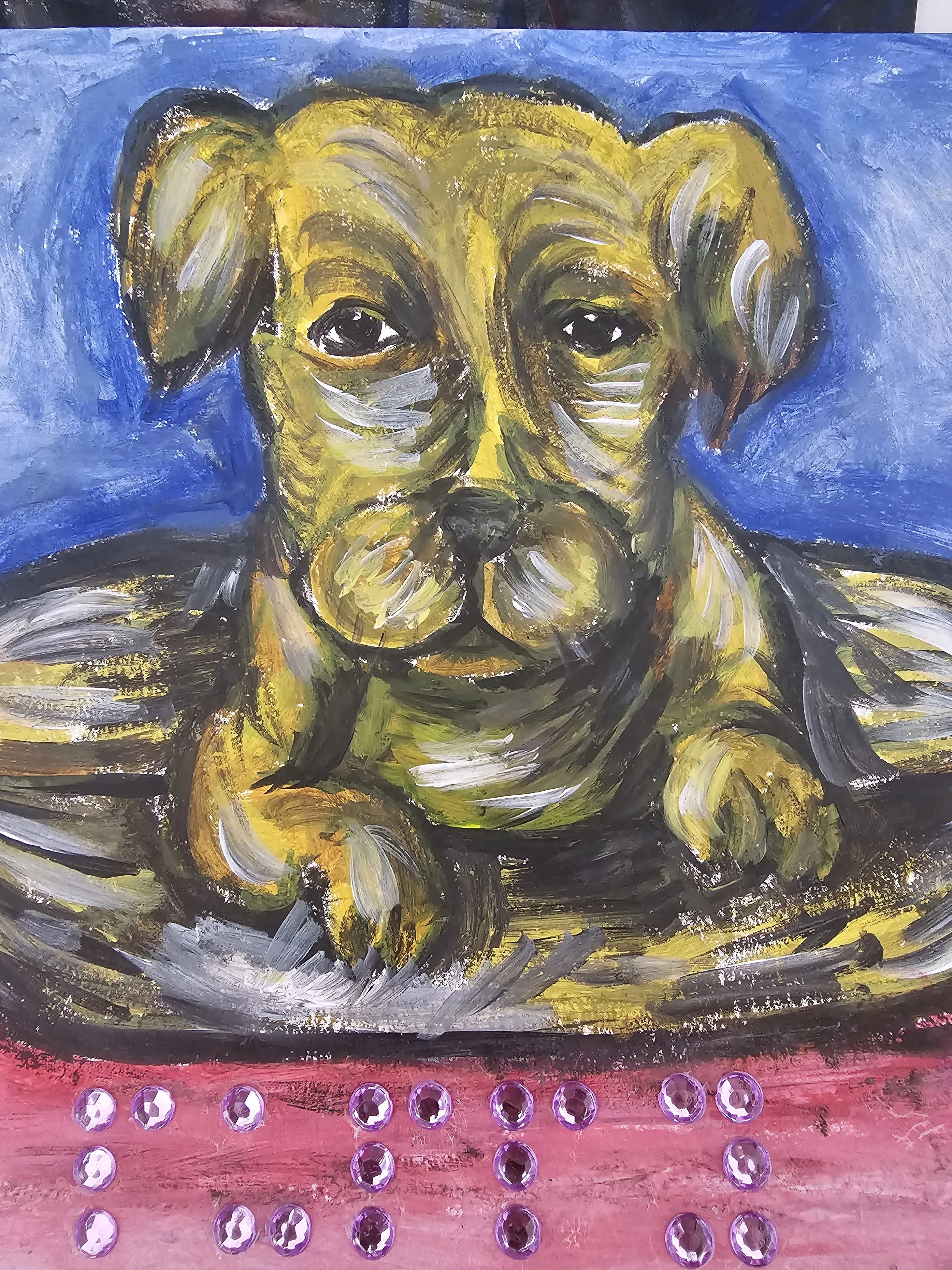
Sunny Three's Kiosk Chaos
Play Sunny Three's Kiosk Chaos by @MsBlazeWolfLeleTaylo, a free arcade & casual game made on Mable. Play instantly in your browser.
MsBlazeWolfLeleTaylo made this on Mable.
Make your gameAbout Sunny Three's Kiosk Chaos
Tap the five automated assistance pads to fill the chaos meter, trigger character reactions, and cause a complete system overload.
How to play
- Tap the start button to wake up the automated assistance terminal.
- Press any of the five request pads, like WANT TREAT or WIGGLE.
- Watch the chaos meter fill up by 12 points with every single tap.
- Reach the 100-point threshold to trigger a complete system meltdown.
- Tap anywhere on the screen during the overload state to reset.
Controls
- Touch
- Tap the five glowing pads on the screen to trigger a character reaction.
- Keyboard
- Not supported.
- Mouse
- Click the five glowing pads on the screen to trigger a character reaction.
More about this game
Your goal is to overload the automated assistance terminal by pressing five different request pads. Each tap fills the chaos meter by exactly 12 points. As you interact with the kiosk, different characters like Jack, Lisa, and Mrs Quacks will react, and up to three of their portraits will appear in the recent reaction panel. The difficulty remains constant as you tap. A run ends when the meter reaches the 100-point threshold, triggering a system meltdown and displaying a proud dog.
Tips
- Since each tap adds exactly 12 points to the meter, you need to press the pads nine times to hit the 100-point overload threshold.
- Character reactions stay in the recent panel for exactly 2.8 seconds. Tap different pads quickly to see up to three portraits at once.
- Watch the dog at the bottom of the screen. It wiggles when you tap rapidly and looks proud when you finally overload the system.
FAQ
- What do the different buttons do?
- The terminal has five buttons: WANT TREAT, HEWWO I AM DOG, HUMAN WILL DOOR, HEWP PWEEASE, and WIGGLE. Each one adds 12 points to the meter and summons a specific character like Jack or Lisa to the screen.
- How long do the character portraits stay visible?
- When you tap a pad, the corresponding character's portrait appears in the recent reaction panel. This reaction holds its place on the screen for exactly 2.8 seconds before fading away.
- What happens when the meter is full?
- When the chaos meter hits 100 points, the system enters a meltdown state. The screen flashes DOG OVERLOAD, the dog looks proud, and you must tap anywhere to reset.


